AI Content Generation Workflow
From keywords and product information to publishable articles, learn how GoSEO generates SEO titles, body content, FAQs, and meta information.
Feature Analysis
The AI content generator turns keywords, product information, search intent, and brand tone into an editable SEO draft. It's suitable for generating articles, page expansions, FAQs, meta descriptions, and internal linking suggestions, but the facts still require human verification.
Detailed Steps
First choose keywords and the page objective, then generate an outline and the body. During review, focus on checking facts, links, alignment with search intent, and whether keywords are overused.
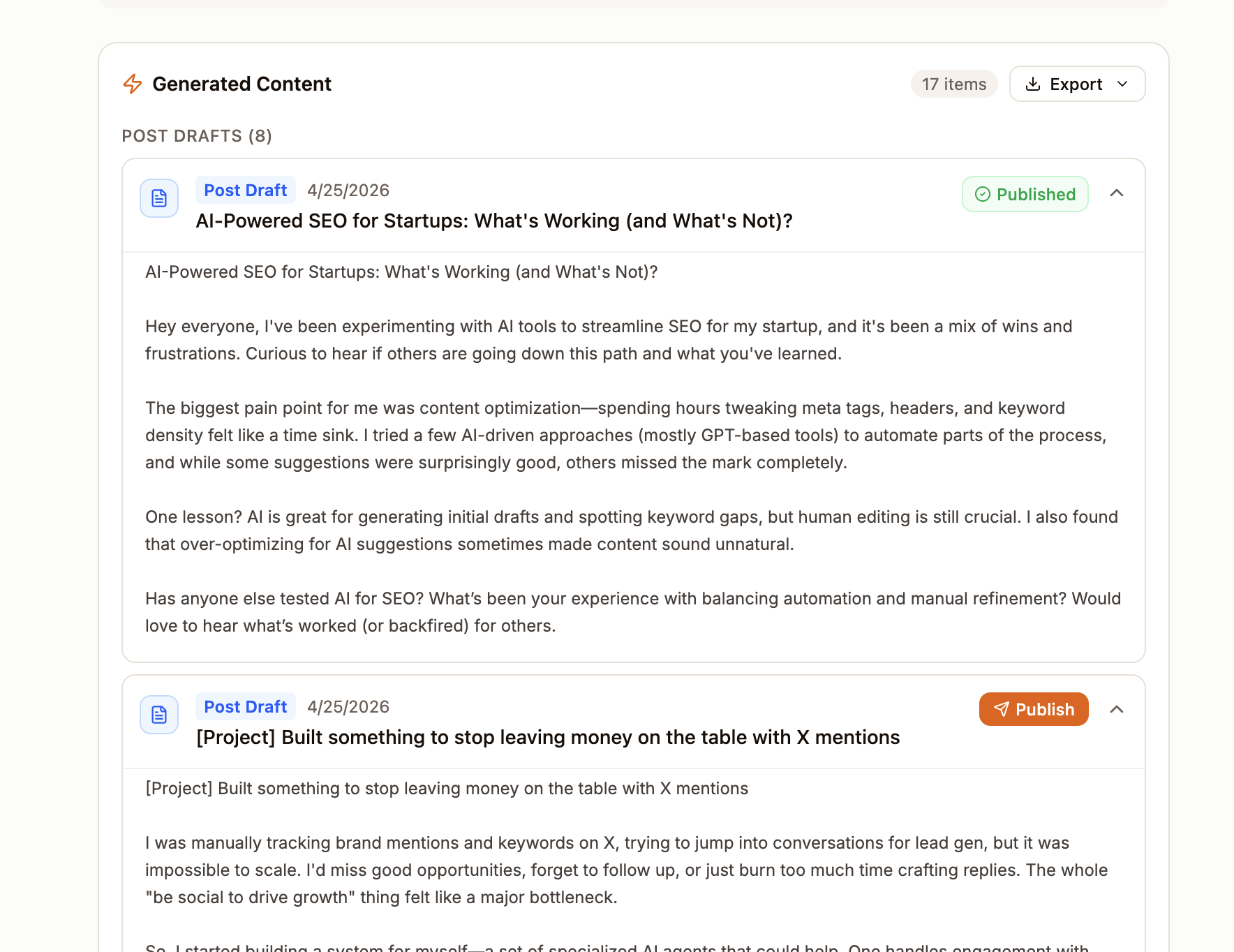
- 1Select target keywords from the SEO Project, Keywords, or Content pages.
- 2Confirm search intent, target audience, and the product page you want to promote.
- 3Choose content type: blog, landing page, FAQ, or product comparison.
- 4After generating the outline, first check the H2/H3 structure and coverage.
- 5Generate the body, and check facts, citations, CTAs, and internal links paragraph by paragraph.
- 6Save as a draft and add real screenshots, case studies, or data before publishing.
Preparation Before Generation
The quality of the output depends on the input. Before starting, please make sure keywords, search intent, target pages, brand tone, and product information are fully completed.
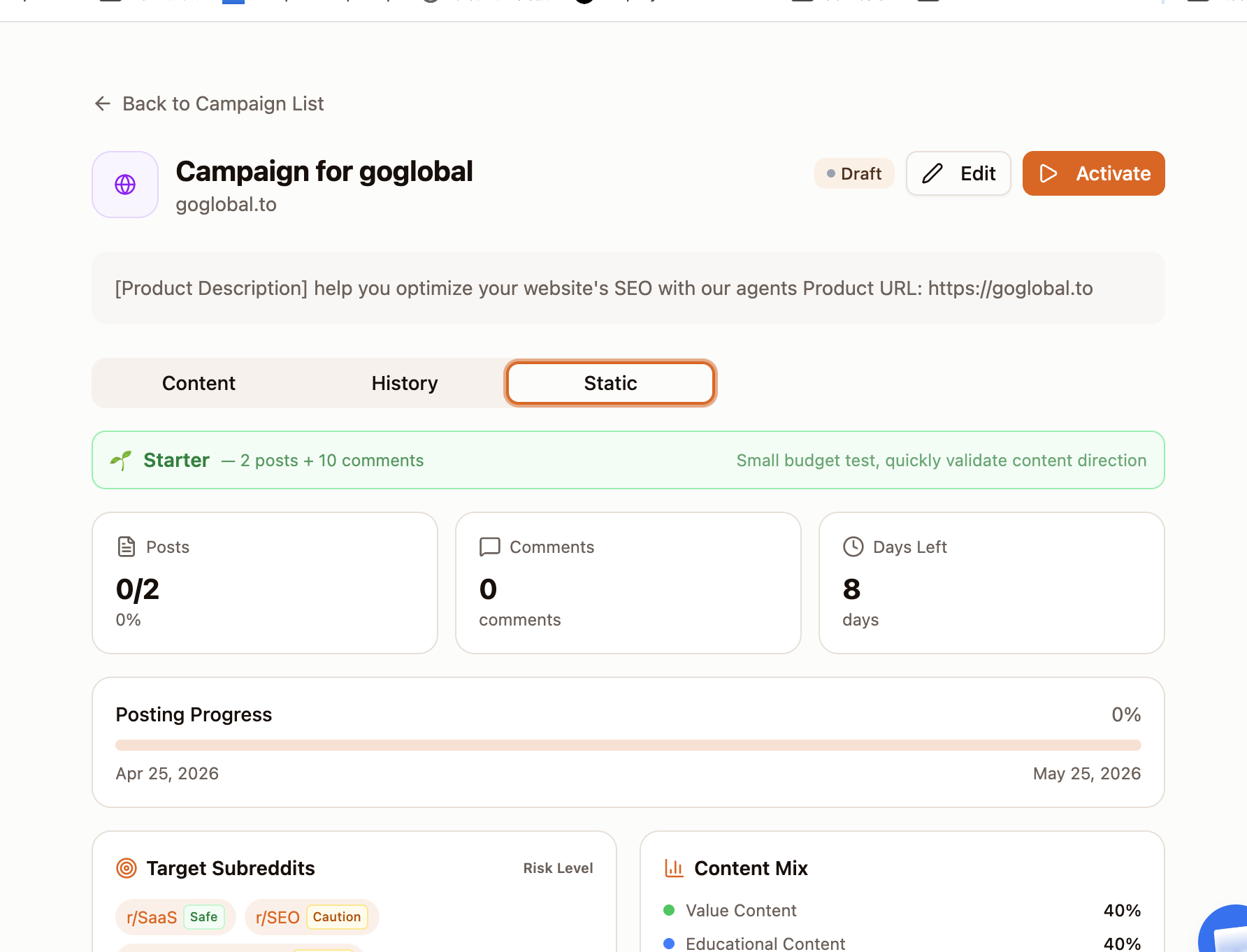
Generate Content Structure
GoSEO will generate titles, summaries, body outlines, FAQs, internal linking suggestions, and meta descriptions. You can edit each section in the editor without needing to regenerate the entire article.
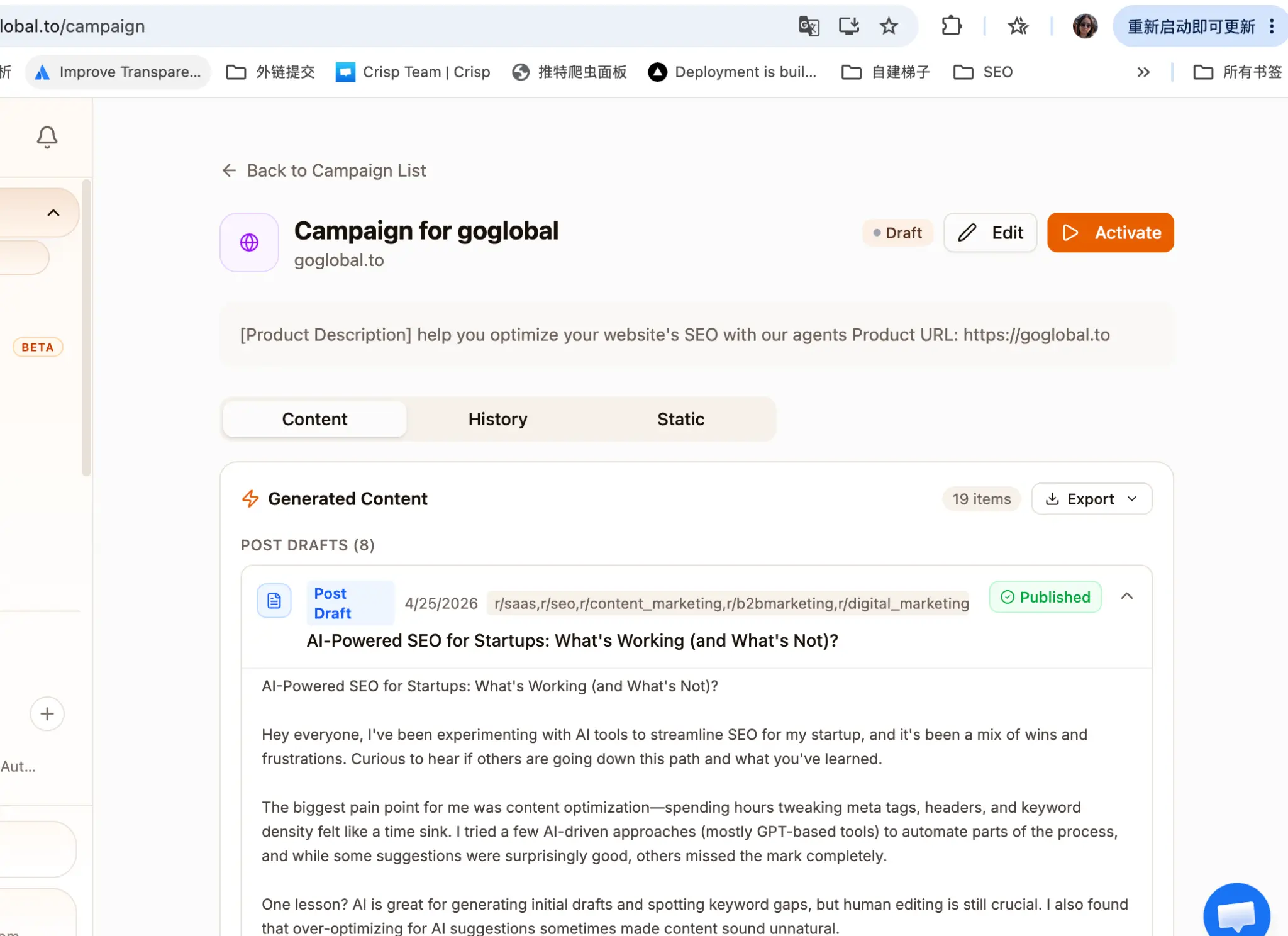
Review Checklist
Before publishing, focus on checking facts, case studies, pricing, external links, and brand promises. AI can speed up drafting, but the final content should still be reviewed by someone who understands the business.
Review Checklist
Complete the setup step by step
Check whether the title matches search intent.
Confirm the first screen answers the user's most important question.
Check that internal links point to the correct pages.
Remove unverifiable data or absolute claims.
- 1Check whether the title matches search intent.
- 2Confirm the first screen answers the user's most important question.
- 3Check that internal links point to the correct pages.
- 4Remove unverifiable data or absolute claims.
- 5Fill in required information for images, FAQs, and schema.