Rank Monitoring and Change Alerts
Set up keyword monitoring, view ranking changes, and prioritize content optimization based on clicks, impressions, and ranking trends.
Feature Analysis
Rank Monitoring is used to continuously observe changes in keywords, target URLs, and search performance. After connecting GSC, GoSEO can place rankings, impressions, clicks, and CTR in the same view to help you determine whether it's a ranking issue, a title issue, or a page matching issue.
Detailed Steps
First select core keywords and target URLs, then set filters and alerts. View monitoring results together with page update history to avoid focusing only on single-day fluctuations.
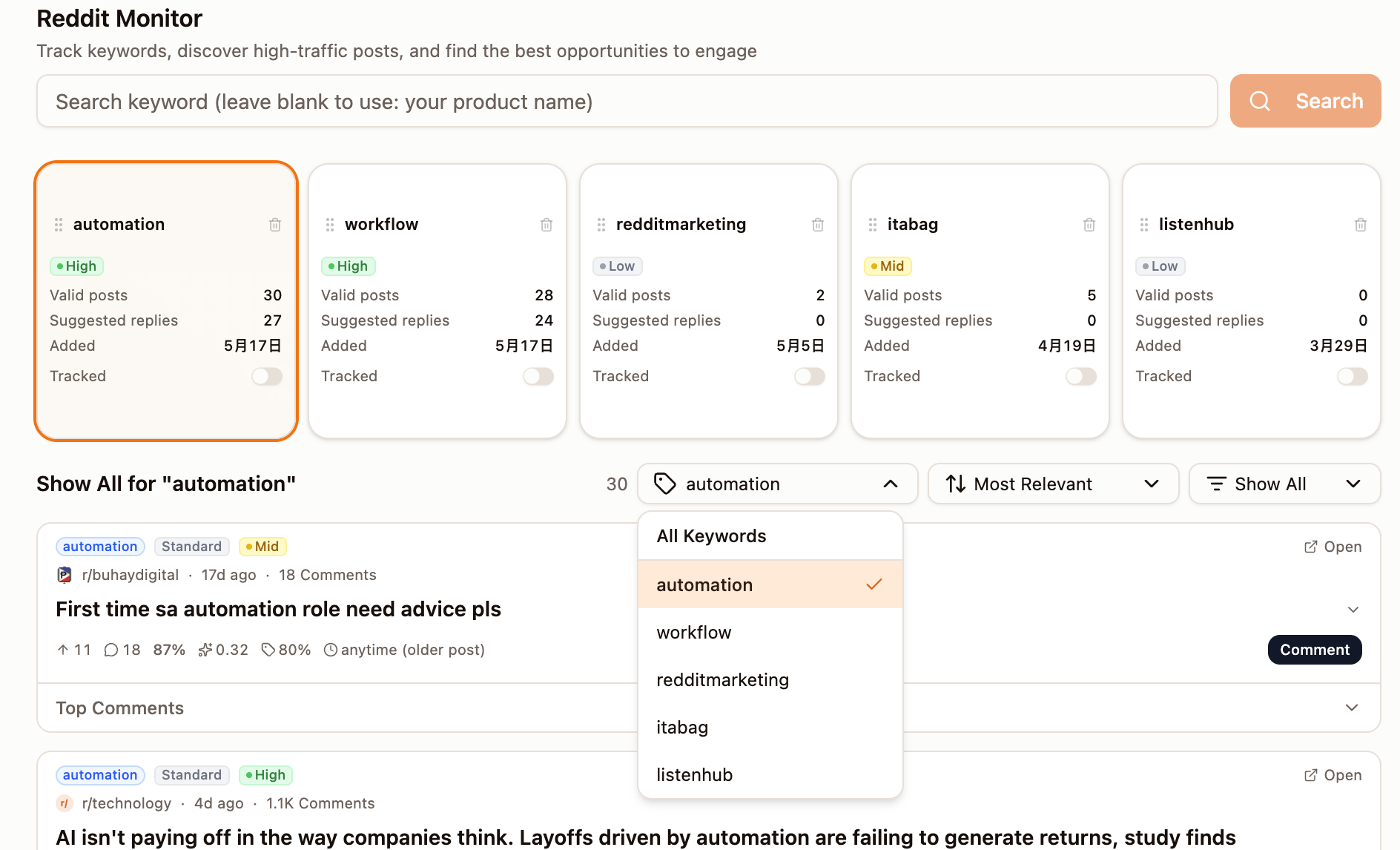
- 1Go to Rank Monitoring and choose the site or SEO project to monitor.
- 2Import keywords, or select core keywords from GSC queries.
- 3Confirm the target URL and search intent for each keyword.
- 4Use filters to view keywords that are rising, falling, unranked, or have URL changes.
- 5Set alerts: dropped off the first page, abnormal CTR drops, or sudden changes in impressions.
- 6Run a weekly review and add pages that need updates to the content queue.
Monitoring scope
GoSEO can track keyword rankings, target URLs, search intent, ranking changes, and content update history. When connected to GSC, it can also combine clicks, impressions, and CTR to determine the real impact.
Sorting and filtering
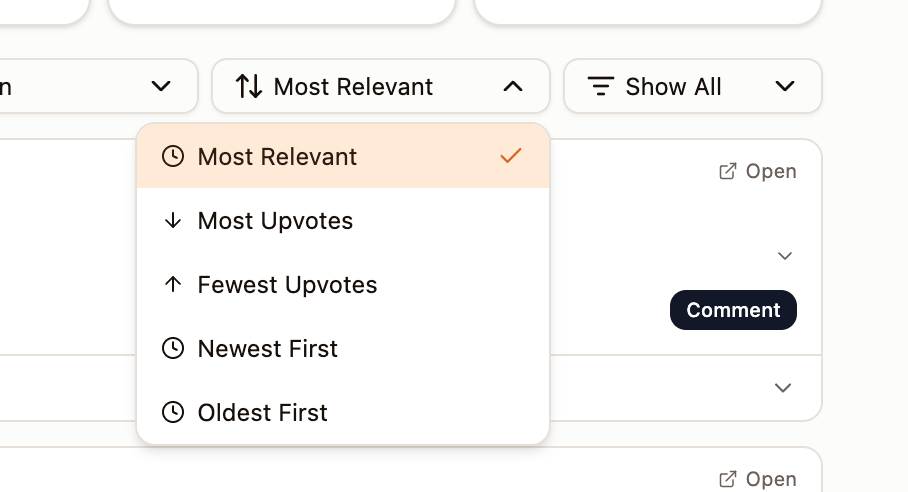
Use the sorting menu to view the fastest-rising, fastest-falling, highest-traffic, or most-in-need-of-optimization keywords. For pages with sharp declines, we recommend first checking indexing, content changes, and competitor updates.
Alert Rules
You can set alerts for your core keywords. When a ranking falls off the first page, impressions surge while CTR drops, or the target URL changes, GoSEO will prompt you to review.